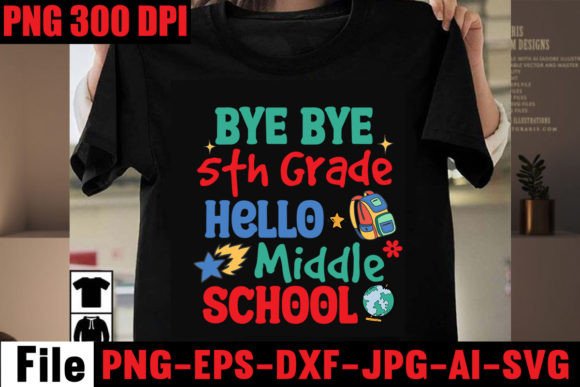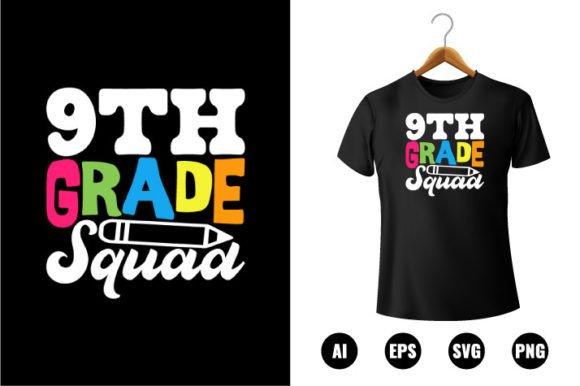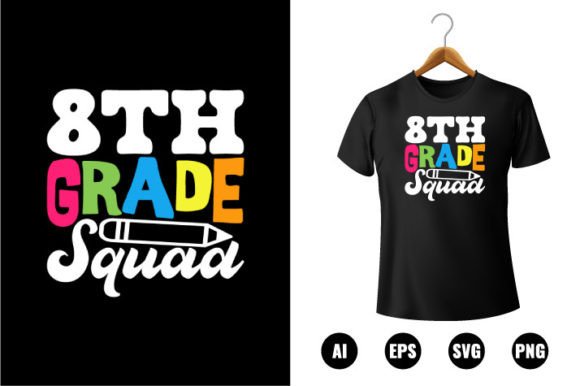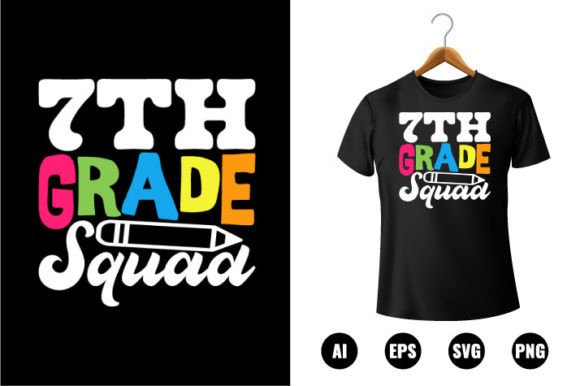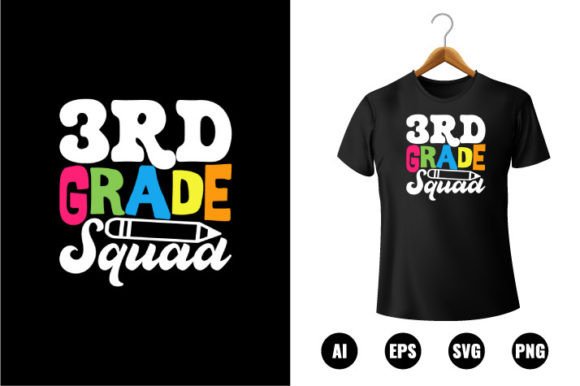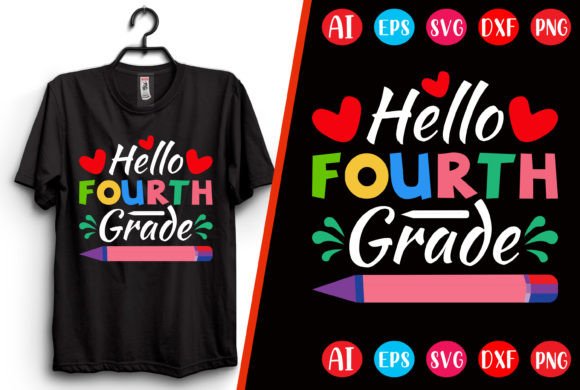
Hello Fourth Grade T-shirt Design
If you're preparing for back-to-school season—whether you're a teacher decorating your classroom, a parent organizing a grade-wide spirit day, or a small business owner launching custom merch—you’ve likely searched for a clean, cheerful, and instantly usable Hello Fourth Grade T-shirt Design. This isn’t just another clipart download. It’s a professionally crafted, print-ready resource built for real-world use: scalable, color-flexible, and delivered in multiple industry-standard formats.
But here’s what many buyers overlook before clicking “Download”: not all design files labeled “back to school” are created equal—and assuming they are can cost time, money, and confidence.
Common Missteps—and Why They Matter
Mistake #1: Assuming “print ready” means “ready for *your* printer.” A file may be labeled print ready but still lack the right resolution, color mode, or bleed settings for your specific output method. For example, this Hello Fourth Grade T-shirt Design ships at 4500×5400 pixels in RGB—ideal for digital garment printers and online print-on-demand platforms like Printful or Teespring. But if you’re sending it to a local screen printer who requires CMYK + 3mm bleed, you’ll need to convert and adjust first. Skipping that step leads to dull colors or cropped text.
Mistake #2: Overlooking file format compatibility. You might love the idea of editing in Adobe Illustrator—only to realize your version doesn’t support the latest AI format. Or you assume SVG works everywhere, only to find it renders poorly in older versions of Cricut Design Space. This Hello Fourth Grade T-shirt Design includes AI, EPS, SVG, DXF, and PNG—so whether you’re using professional vector software, craft-cutting tools, or basic graphic editors, there’s a match. But it’s up to you to choose the right one for your workflow—not just the flashiest-sounding extension.
Mistake #3: Ignoring transparency needs. The PNG included is transparent—but only if you open it correctly. Some beginners double-click the PNG and view it in a web browser or preview app where the background appears white. That doesn’t mean the transparency is missing; it means the viewer isn’t showing it. Always open transparent PNGs in a layer-based editor (like Photoshop, GIMP, or Canva) to verify and preserve the clean cutout—especially when layering over colored fabrics or textured mockups.
What to Check Before You Download
Before adding this Hello Fourth Grade T-shirt Design to your cart—or any similar digital product—ask yourself three practical questions:
- What’s my end use? Are you printing on cotton tees? Heat-pressing vinyl? Creating social media graphics? Each path has different technical needs—and this design supports them all, as long as you select the appropriate file type and adjust accordingly.
- Do I have the software—or a simple alternative? If you don’t own Illustrator, the SVG or PNG versions let you edit colors and scale in free tools like Inkscape or Canva. Just avoid trying to recolor an EPS in MS Paint—it won’t work, and you’ll waste time.
- Is the sizing realistic for my application? At 4500×5400 pixels, this file scales beautifully from toddler sizes up to adult 3XL. But if you plan to embroider the design, you’ll need to simplify paths or reduce detail—vector files aren’t automatically embroidery-ready. Consider outsourcing digitizing if stitch count matters more than pixel precision.
Better Choices Start With Clarity
Instead of hunting for “cute fourth grade fonts” or stitching together mismatched elements, start with a cohesive, pre-aligned design like this one. The layout balances readability and charm: bold, friendly lettering paired with subtle educational motifs (think pencils, stars, or minimal chalkboard accents)—all fully editable. You’re not locked into one palette: swap colors in seconds using global swatches in Illustrator or the fill tool in SVG editors.
And while mockups aren’t included, that’s intentional—not a limitation. Including pre-made mockups often means rigid poses, outdated styles, or licensing restrictions. By giving you clean vector and high-res PNG assets instead, you retain full control: drop the design into modern, royalty-free mockup templates (many available for free or low cost), match your brand’s tone, and present it authentically—whether you’re pitching to a PTA committee or listing on Etsy.
Realistic Expectations, Real Results
This Hello Fourth Grade T-shirt Design delivers what it promises: flexibility, fidelity, and function. But “100% satisfaction” doesn’t come from magic—it comes from understanding how the files behave in your hands. For instance, resizing an EPS in Word or PowerPoint will rasterize it and degrade quality. Opening the AI file in Affinity Designer? Perfectly fine—but know that some effects (like certain gradients or blends) may render slightly differently than in Adobe apps.
Similarly, “easy to modify” doesn’t mean “no learning curve.” If you’ve never adjusted a vector path or exported a transparent PNG before, set aside 10 minutes to test edits—scale it, change two colors, export a version—and compare the result to your intended use. That small step prevents surprises later.
Finally, remember that great design serves people—not just aesthetics. A fourth grader wearing this shirt should feel proud, not puzzled. So test legibility at actual print size: zoom out to 25% in your editor and ask, “Can I read ‘Hello Fourth Grade’ clearly from six feet away?” If not, increase stroke weight or simplify overlapping elements. That attention to human-scale clarity makes all the difference—in classrooms, hallways, and photos alike.
You’re not just buying pixels and paths. You’re investing in a reliable starting point—one that saves hours of trial-and-error, avoids reprints due to formatting errors, and lets you focus on what matters most: celebrating growth, building community, and making back-to-school feel welcoming—not overwhelming.