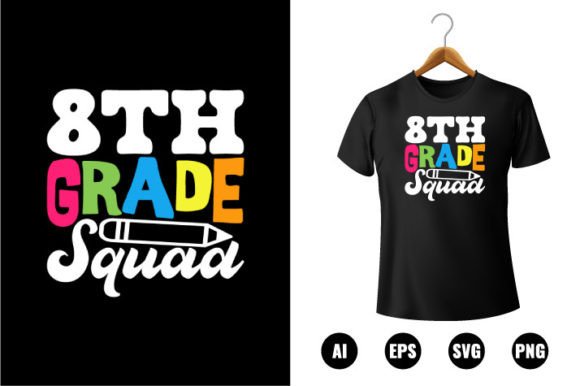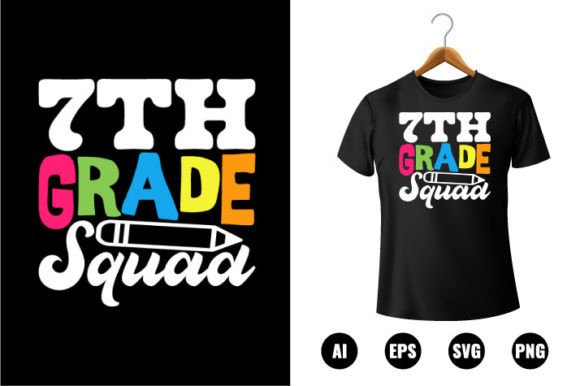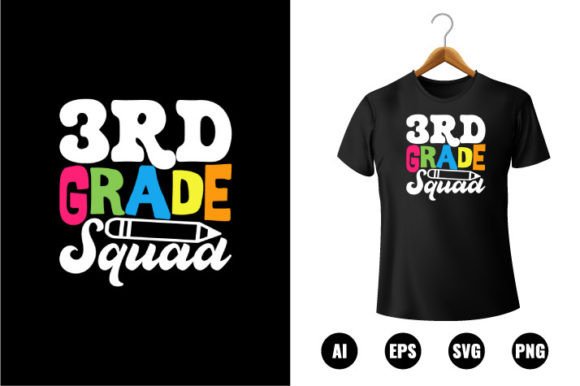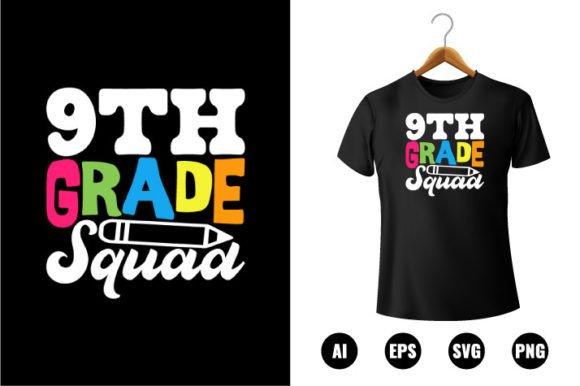
9th Grade Squad T-shirt Design
If you're designing back-to-school merch for teens—or creating custom apparel for schools, clubs, or youth programs—the 9th Grade Squad T-shirt Design isn’t just another clip art file. It’s a ready-to-deploy creative asset built for real-world flexibility: bold enough to stand out on cotton tees, clean enough for vinyl decals, and precise enough for laser engraving on tumblers or notebooks. Visually, it balances youthful energy with polished execution—think confident sans serif lettering paired with subtle squad-themed graphic elements (like interlocking initials, minimalist badges, or stylized “Class of 2028” markers). There’s no forced nostalgia or cartoonish exaggeration; instead, it leans into modern typography principles: generous letter spacing, balanced weight distribution, and intentional negative space that keeps the design breathable—even at small sizes.
Why This Design Fits More Than Just T-Shirts
The 9th Grade Squad T-shirt Design works across far more than apparel. Because it’s delivered in AI, EPS, PNG, and SVG formats—and built as 100% vector shapes—it scales flawlessly from a 1-inch sticker on a laptop lid to a 48-inch banner hanging in a school gym. That scalability matters when you’re producing layered vinyl decals for water bottles, heat-transfer prints for hoodies, or engraved wood signs for classroom doors. The 300 DPI resolution ensures crisp output for print-on-demand services like Printful or Gelato, while the editable color palette (100+ swatches included) lets you match district branding, club colors, or seasonal palettes without rebuilding from scratch. Unlike raster-based graphics that blur or pixelate, these vectors retain edge clarity whether you’re using them in Canva for social media banners or Adobe Illustrator for packaging mockups.
Design Flexibility You Can Actually Use
“Easy to edit” isn’t marketing fluff here—it’s baked into the file structure. Each element is ungrouped and labeled intuitively: text layers are live type (not outlines), icons are independent vector objects, and color swatches are named logically (e.g., “Squad Navy,” “Chalk White,” “Back-to-School Teal”). That means swapping colors takes three clicks—not an hour of manual path editing. Need to adapt the design for a different grade? Swap “9th” for “10th” in seconds, then re-export all four formats with one save. Want to isolate just the badge icon for a scrapbooking kit? Copy the SVG layer directly into Cricut Design Space. Even if you’re not an Illustrator power user, the CC version compatibility (tested in v25–v28) means no version conflicts or missing fonts mid-project.
Where It Adds Quiet Professionalism
This isn’t a display font meant for headlines only. Its restrained x-height and open counters support legibility at body-copy sizes—so it works in editorial contexts too: yearbook layouts, orientation handouts, or digital newsletters where consistency matters. In brand identity work, it functions as a secondary typeface that complements clean sans serifs like Inter or Montserrat without competing. For marketers building a school spirit campaign, pairing the 9th Grade Squad T-shirt Design with a neutral body font creates visual hierarchy that feels intentional—not accidental. And because every shape is vector-based and fully rescalable, your printed flyers won’t show jagged edges under fluorescent lighting, and your Instagram Stories won’t render fuzzy on high-DPI screens.
Testing Fit Before You Commit
Before dropping this into a client project or bulk order, do two quick checks. First, test readability at actual use size: paste the PNG into a mockup of your intended product (e.g., a Gildan 64000 tee preview) and view it at 100% zoom on both desktop and mobile. Does the “Squad” wordmark hold clarity at 3 inches wide? Second, verify licensing scope: this is a commercial-use asset, meaning you can sell products featuring the design—but you can’t resell the files themselves as standalone clip art. That distinction protects both your business and the original creator. If you’re building a Shopify store selling custom 9th-grade merch, you’re covered. If you’re offering design templates on Creative Market, double-check the license terms before bundling.
Smart Pairings for Real Projects
For apparel, pair the 9th Grade Squad T-shirt Design with a low-contrast, medium-weight sans serif (like Poppins Regular) for care tags or size labels—no visual competition, just quiet cohesion. In digital ads, overlay it on muted photo backgrounds with a subtle drop shadow (2px blur, 75% opacity) to ensure contrast against busy school hallway imagery. For crafters making personalized notebooks or tote bags, use the SVG version in Silhouette Studio and simplify paths first—this reduces cut time and improves vinyl weeding accuracy. And if you’re adapting it for embroidery, convert the AI file to stitch format using software like Wilcom E4, but reduce detail density first: eliminate fine interior lines that won’t translate to thread.
What makes the 9th Grade Squad T-shirt Design genuinely useful isn’t its polish alone—it’s how thoughtfully the technical specs serve practical needs. Print-ready doesn’t mean rigid; “100 color changeable” means you’re not locked into someone else’s palette. “Easy to edit” means time saved on revisions, not time spent troubleshooting corrupted layers. Whether you’re a solo crafter prepping for a PTA fundraiser, a small print shop handling district-wide orders, or a content creator building themed Canva templates, this asset removes friction—not inspiration. It’s designed to disappear into your workflow, so the focus stays where it belongs: on the students, the squad, and the school year ahead.